

Overview
Customizing your form’s link preview text and image is an important way to optimize the shareability of your form. When you share your form on other sites or social media platforms, the Meta information such as the title, description, and thumbnail plays a crucial role in attracting users to click on your link.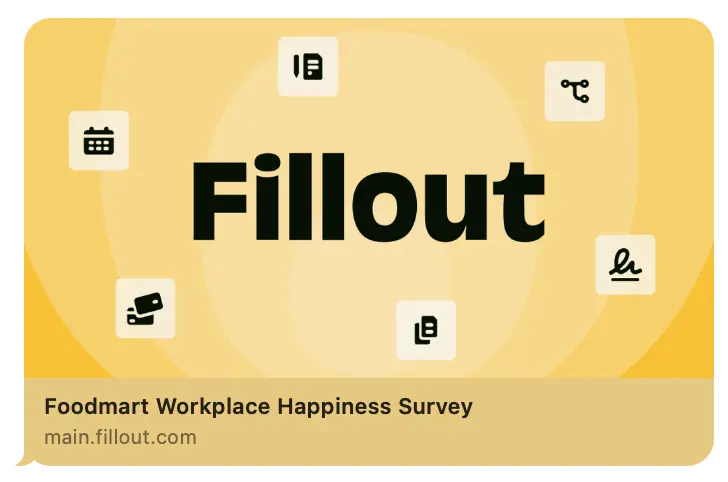
This feature is available to Pro users and above. For more details on pricing, click here.
How to edit share preview
By default, your form’s share preview shows the name of your form and a general description. To change this, clickShare on top.
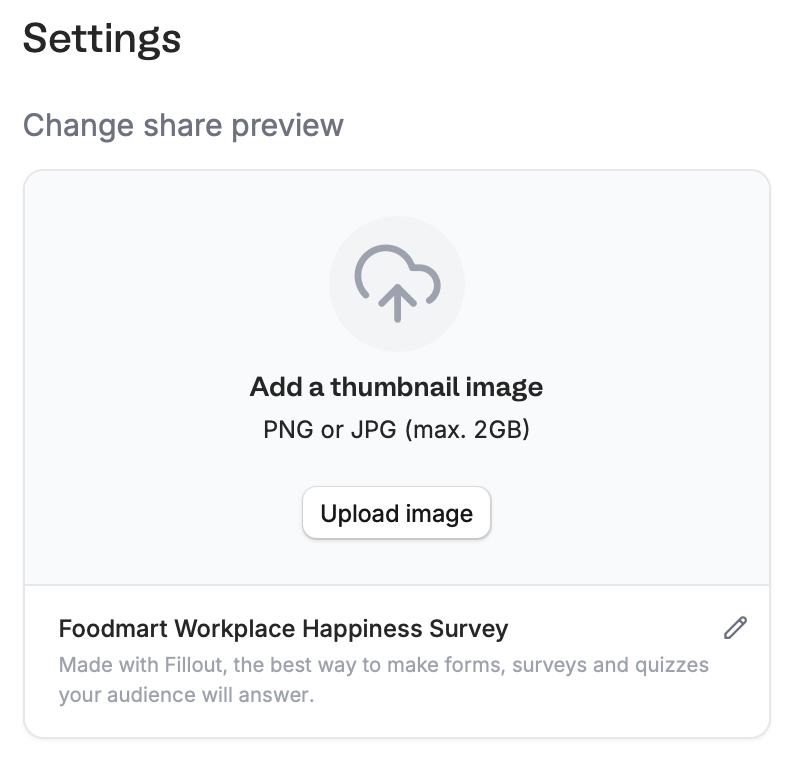
Upload image to change the default Thumbnail.
Copy your form link and paste it anywhere you’d like, such as a messaging app or website. Here’s how our example looks when sent in iMessage.

Publish your form to make the latest changes reflect.
Preview images are cached by platforms, so it may take time for the updated thumbnail to show. Test your preview here.
Related articles
Custom form links
Customize your form’s share link, subdomain and URL ending.
Add a logo
Add a professional touch and create strong brand identity.
Use custom domains
Customize form URLs to enhance your branding.