Overview
Fillout Scheduling allows others to book events on your linked Google or Outlook calendar. There are various types of events that you can choose from:One-on-one
A call with a single host and a single invitee.
Collective scheduling
A meeting with multiple hosts and one invitee.
Round robin scheduling
Assigning calls evenly among a group.
Group meeting
A meeting with one host and multiple invitees.
One-on-one
The most common type of event, a one-on-one is a meeting between a single host and a single invitee. Common use cases- Coaching session between a coach and an athlete
- Parent-teacher meetings
- A job interview between a recruiter and an applicant
- A financial consultation between a financial advisor and a client
- Mentoring sessions
Collective meeting
Collective meetings allow a single invitee to schedule events with multiple hosts at once. Common use cases- Alignment calls involving several team members and a manager
- Panel interviews
- Training sessions involving multiple trainers and one participant
- Workshops where one attendee interacts with several facilitators
- Discovery calls
Round robin
A round robin assigns events to a single host from a group. The distribution of events is based on the availability and priority settings of the group members. Common use cases- Customer support shifts among team members
- Sales demos by a team of salespeople
- Presentation critiques with various experts
- Medical appointments with various doctors
- Fitness classes with different instructors
Group meeting
A group meeting lets multiple invitees join a single call hosted by a single person. Common use cases- Virtual workshops or training sessions
- Team check-ins with multiple members
- Sales calls with multiple stakeholders
- Group interviews for candidates
- Webinars hosted by a single presenter
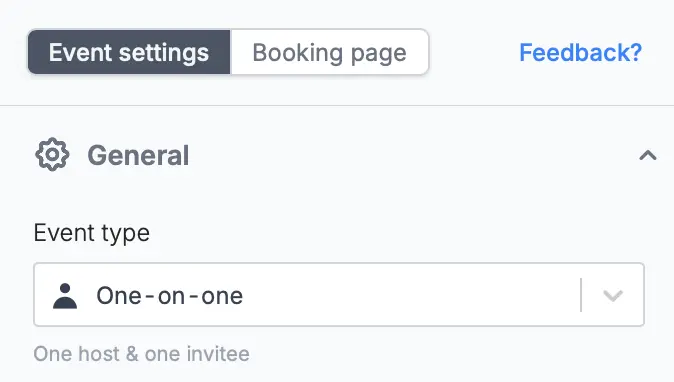
Edit the event type of an existing form
On the left-hand panel, choose the event type you would like to switch it to from the dropdown.