Edit account settings

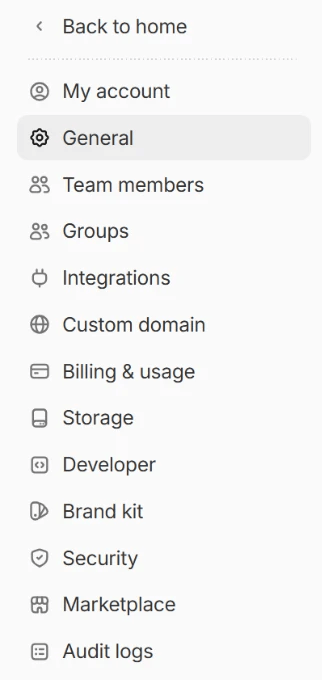
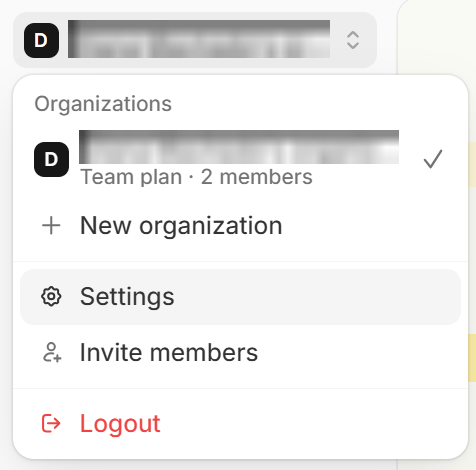
On your dashboard, click your organization name in the upper left corner followed by Settings in the dropdown menu. If you’re inside a workspace, click the workspace name at the top of the sidebar and select All workspaces first. Organization menu with Settings highlighted Here, you’ll see your team members, invites, account plan, and more. Settings side panel
Change account email

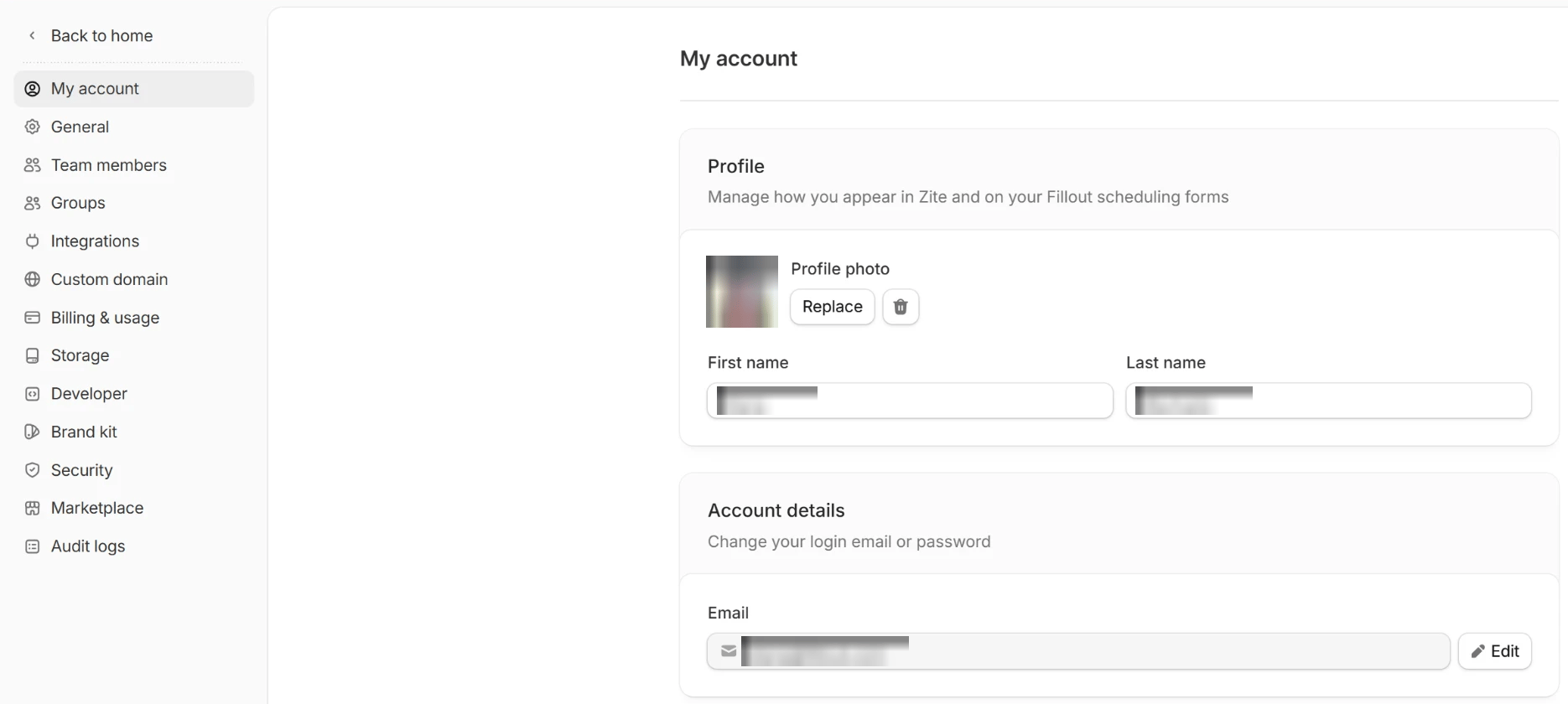
If you want to change the email linked to your account, go to My account and update your email. My account page with the Edit button next to Email Changing your email only applies to the specific organization you are currently working in. For example, if you change your email from a personal address to your company email while logged into Company A, your email and access in Company B will remain completely unchanged. You would need to switch to Company B and update it there manually.

Upgrade plan

To upgrade your plan, go to Billing and click Change plan. More info here.