

Overview
You can customize your form link to make it more recognizable and aligned with your brand. With Fillout, you can edit the following:- Subdomain - the starting text of your link, within the fillout.com domain (e.g., yourcompany.fillout.com/t/kVw9Us9B6Lus)
- Slug - the ending text of your link (e.g., form.fillout.com/name-of-your-form)
- Preview - the title, description, and thumbnail that appear automatically when you share your link on social media or messaging apps
Video tutorial
How to add a custom subdomain
By default, all form links start withforms.fillout.com (or form.fillout.com for some accounts). A custom subdomain replaces that first part while staying on Fillout’s domain, like yourcompany.fillout.com. It’s available on all plans.
To use a domain you own instead, like
forms.yourcompany.com, you’ll need to connect a custom domain. This is available on the Fillout Business plan and above.1
Open account settings
On the Fillout dashboard, click your 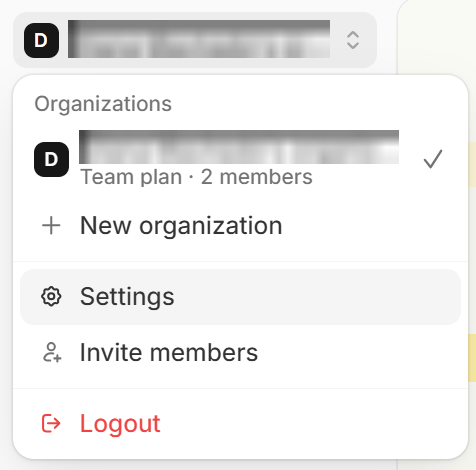
organization name in the upper left corner followed by Settings.2
Customize subdomain
Click the 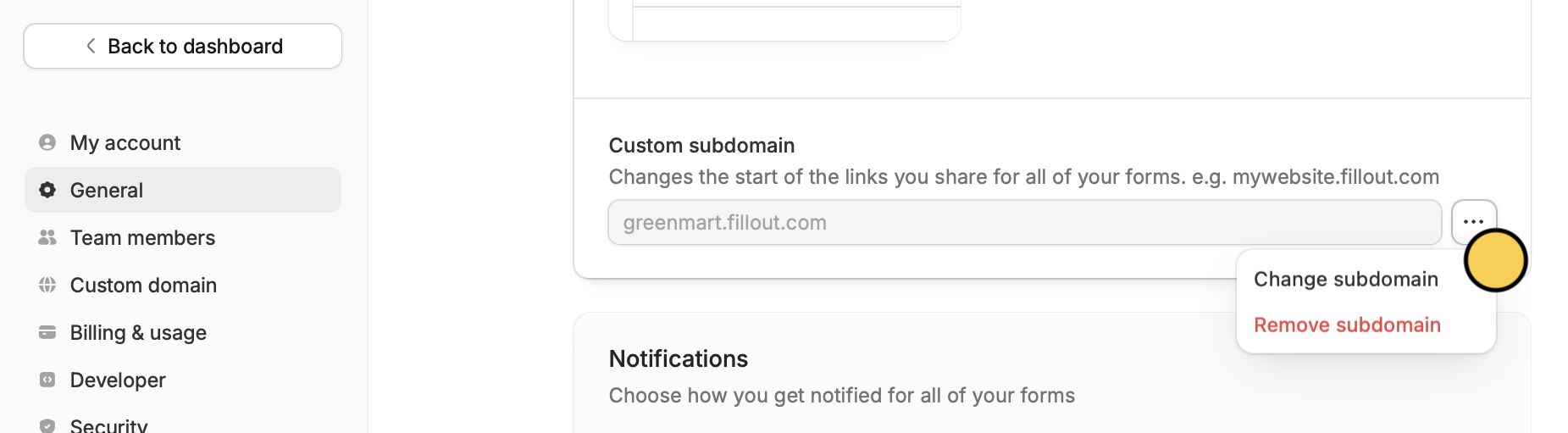
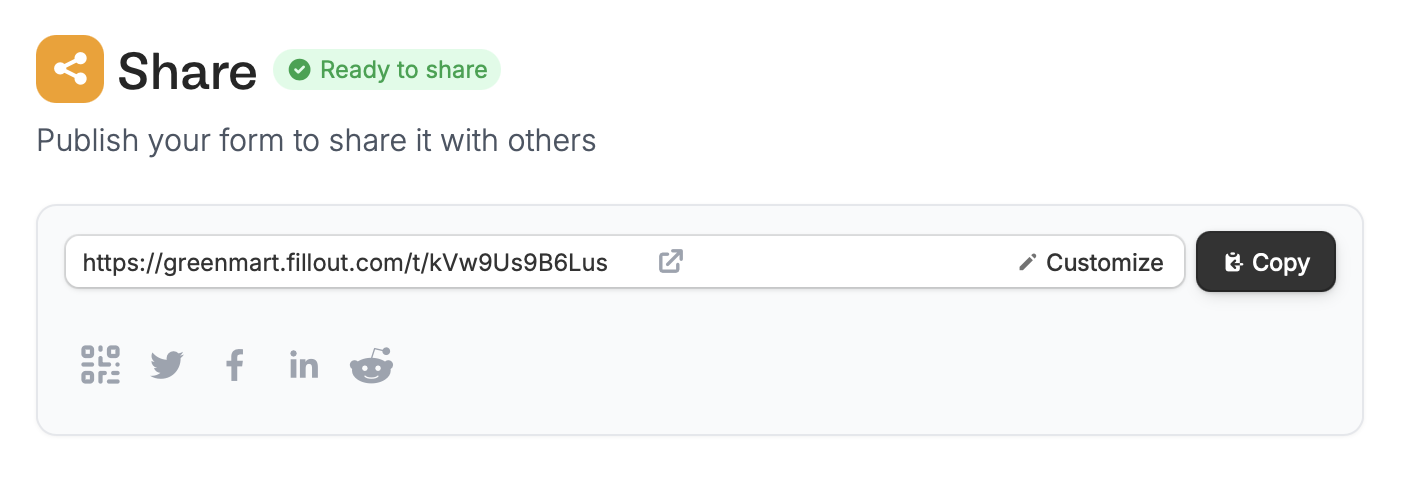
three dots followed by Change subdomain and enter one you intend to keep in the popup.The original default form link will still redirect to the same form. There is no need to share the new customized link to those whom you have shared the original link with prior.
Fix blocked or unreachable form links
If respondents see errors like “This site can’t be reached”, “Server not found”, orERR_SSL_PROTOCOL_ERROR when opening your form, their network may be blocking the default Fillout subdomain. Every account uses forms.fillout.com (or form.fillout.com for some accounts) unless you change it, so the default subdomain is shared across Fillout users and is sometimes blocked by school, workplace, or internet provider networks.
Setting a custom subdomain can help work around this. Your forms will load from your own subdomain, like yourcompany.fillout.com, instead of the shared default, and it’s available on all plans. It also keeps your form links separate from activity on the shared subdomain. On the Fillout Business plan and above, you can also connect a custom domain to host forms on a domain you own.
These errors can have other causes too:
- Device or browser issues - local network settings, device configuration, or the browser itself. For example, respondents on an iPhone or iPad may see “Safari encountered an error”.
- Temporary outages - occasionally, an outage can make forms temporarily inaccessible. Check the Fillout status page for updates.
- Open the form on a different network, like mobile data
- Try a different browser or an incognito window
- Turn off any VPN
Edit your link ending
You can enter any text for your form’s URL ending to personalize it. ClickShare on top to Customize the slug.
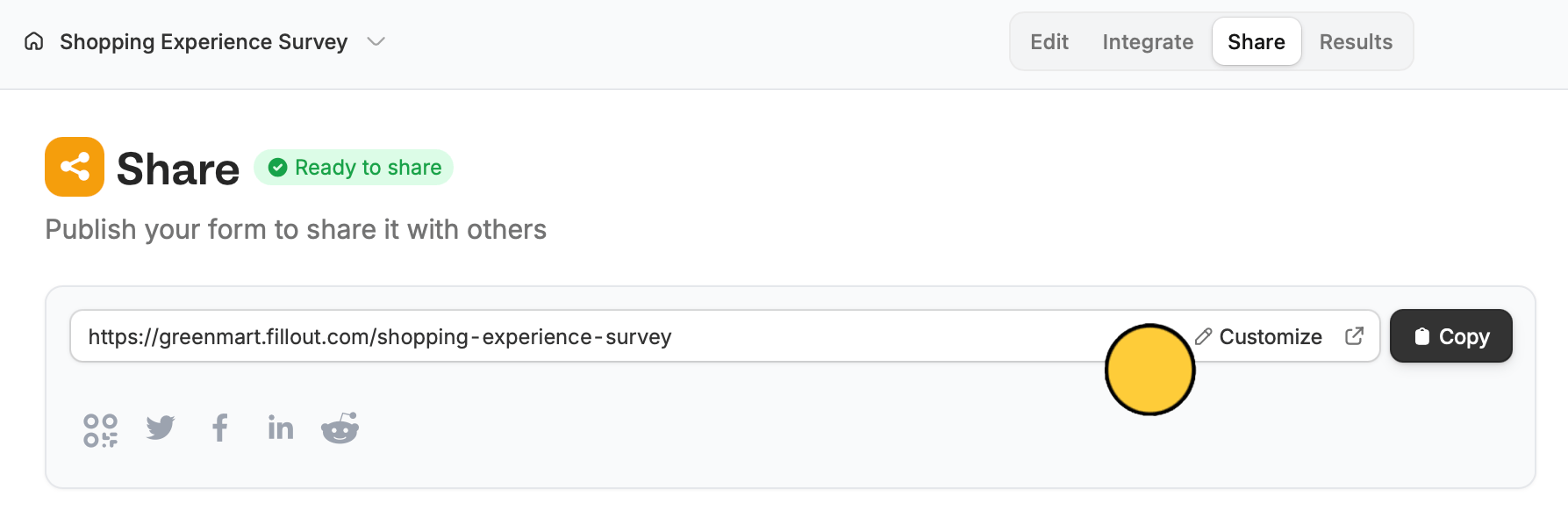
Changes to a custom link take effect right away. This includes editing the link ending and pointing the link at a different form.
Customize share preview
By default, your form’s share preview shows the name of your form and a general description. To change it, check out this quick guide.Related articles
Share with a QR code
Display your QR code online or offline on posters, and more.
Use custom domains
Customize form URLs to enhance your branding.
Add a logo
Add a professional touch and create strong brand identity.