

How to duplicate a field or question
Click the question followed by theduplicate icon .

Copy fields in bulk
Click and drag to select the fields you want to copy. Alternatively, you can holdShift on your keyboard, and click the fields you’d like to copy.
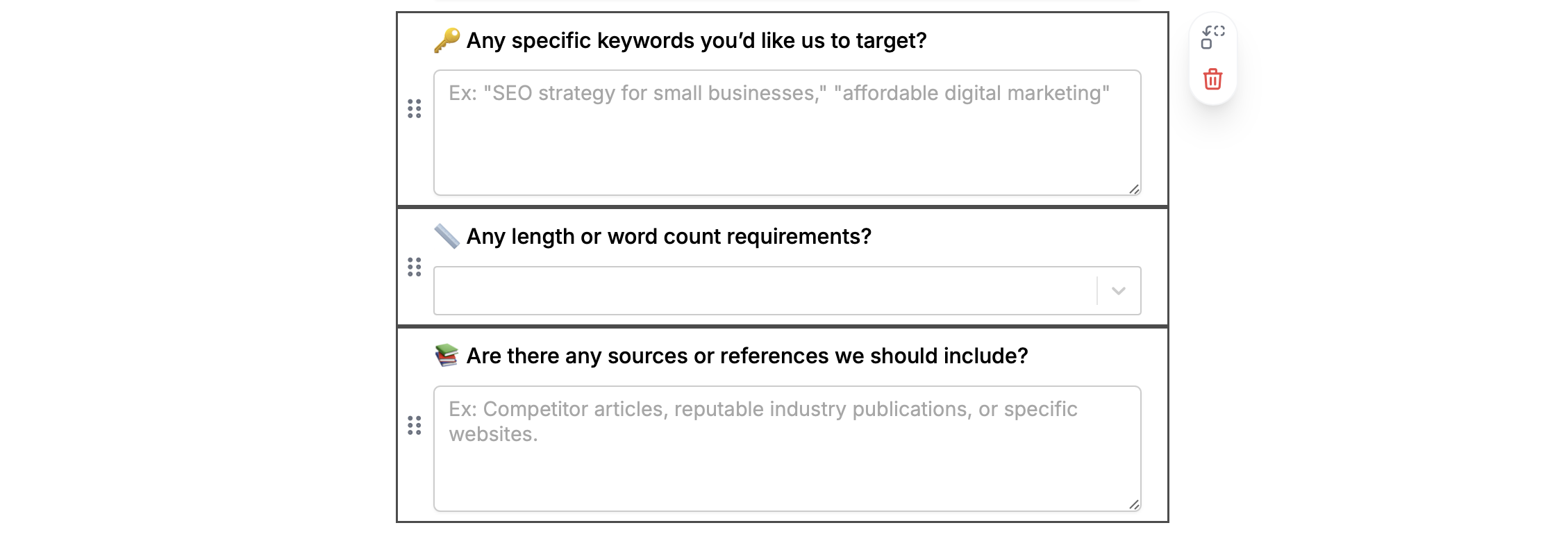
⌘ + C or Ctrl + C to copy followed by ⌘ + V or Ctrl + V to paste them on a different page.
You can also copy buttons, header, section dividers, PDF viewers, and other advanced fields.
Move fields or questions to a different page
Click and drag to highlight the fields you want to copy. Alternatively, you can holdShift and click the fields you’d like to move. Then, click the move icon and select a page to move them to.

Connect duplicated questions to an integration
If you’re using an integration like Airtable or Notion, you’ll notice that your new question is Not connected to a field yet. Select a question followed by thesettings icon to choose a field you’d like to connect it to from the dropdown.

Related articles
Copy and paste a question
Copy and paste fields across pages.
Import and export forms
Transfer between different accounts.
Duplicate a form
Use an existing form as a starting point for a new form.