

What is Make?
Make (formerly Integromat) is a robust platform that lets you create and automate a wide range of tasks and processes called Scenarios, spanning from individual tasks and workflows to integrating various apps and systems seamlessly. Scenarios start with a Trigger, an event that starts the automation, and which causes a series of predefined Actions to occur in other apps, where your data gets sent automatically.How it works
1
Create a scenario
Log in to your Make account or create a new account. Then, 
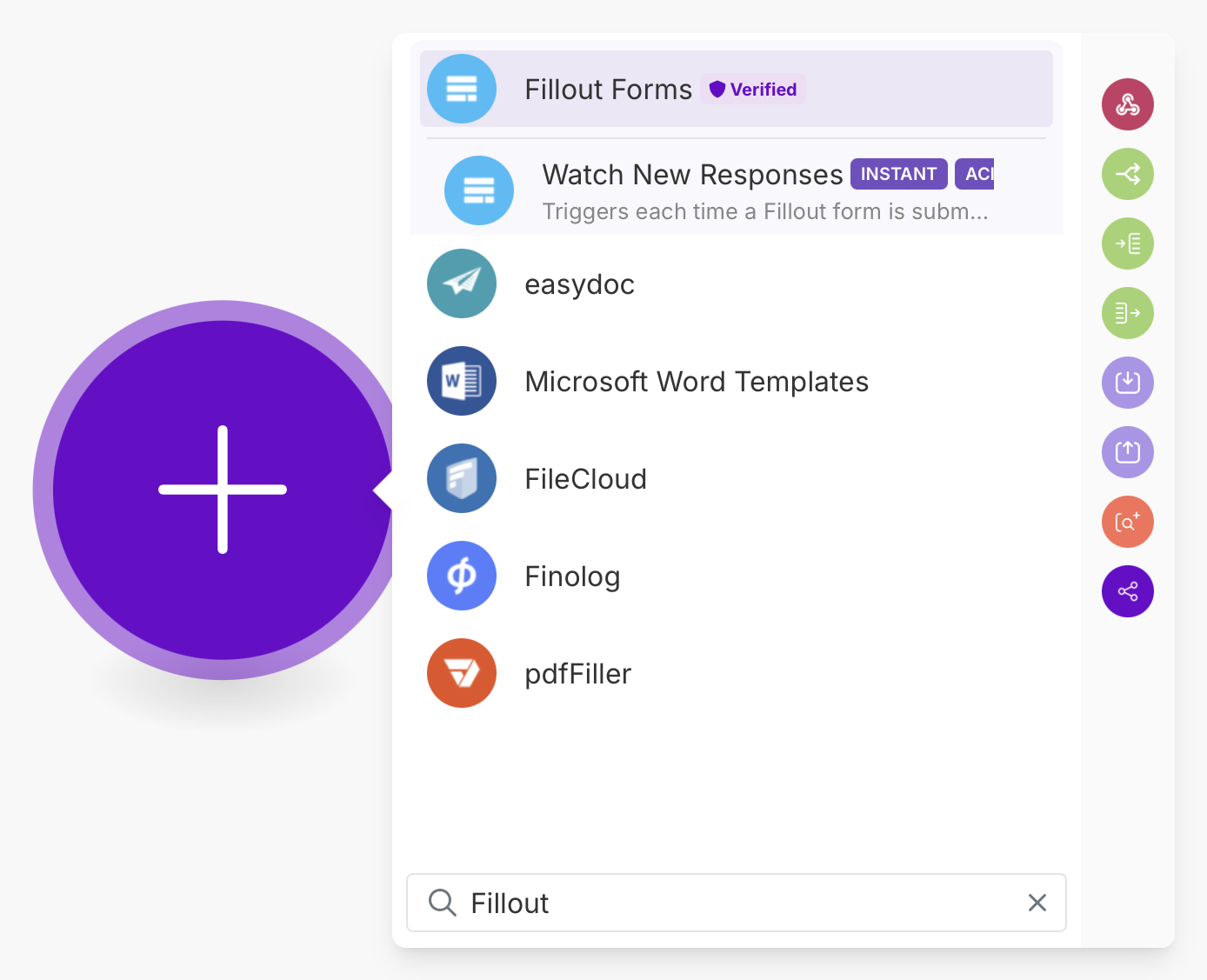
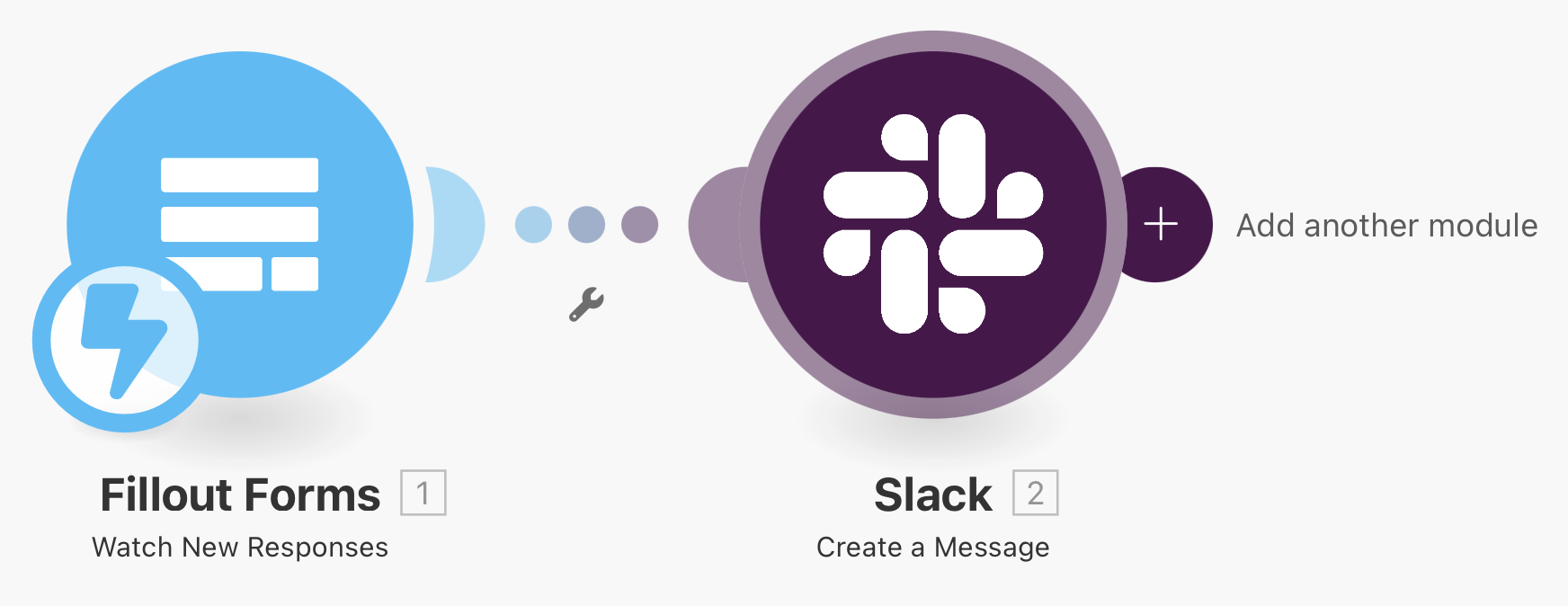
+ Create a new scenario.plus icon to select a trigger and search for Fillout to Watch new responses. Then, choose My submission webhook.2
Test your automation
Click 
Run once and select a scenario to make sure everything’s working as intended.3
Activate scenario
Click the 
save icon and toggle Immediately as data arrives. A popup will appear where you can change the frequency if preferred.Which forms the connection can access
What the Make connection can reach depends on who connected Fillout:- Organization admins - the connection can access every form in the organization.
- Members - the connection can only read responses from forms the member can open, and only add or delete responses on forms they can edit.
If a scenario starts failing with Not authorized, the person who connected Fillout doesn’t have access to that form. Share the form with them, or reconnect the scenario as an admin. The form keeps collecting responses.